
Electronic sick leave certificates with a QR code are becoming more common, but many patients and employees may find it confusing to use them. The process to verify a sick leave QR code in Jordan is a crucial step to ensure it's accepted by your employer and to avoid any delays or issues. This guide explains everything you, as a patient, need to know, from receiving the certificate at your clinic to sharing it with confidence.
With the shift towards digital transformation in the health sector, supported by the Jordanian Ministry of Health, verifiable electronic certificates have become an important tool for increasing reliability and reducing paper dependency. Understanding this mechanism allows you to take full advantage of the modern health services your clinic offers.
Key Takeaways
- What is the QR code on a sick leave? It's a unique web link to verify the certificate's data (patient name, doctor, duration) on a secure webpage belonging to the issuing clinic.
- How to verify: Scan the code with your phone's camera. It will open a link displaying the original sick leave details. Confirm the data matches and that the link belongs to a trusted medical entity.
- Is it official? Yes, if issued by a licensed medical facility. The QR code is a tool to verify its authenticity, but final acceptance depends on your employer's policies.
- What if the code doesn't work? Contact the issuing clinic immediately to have it reissued or the link corrected. Do not try to edit the certificate yourself.
- Role of modern systems: Clinics using systems like Tadawi easily generate these trusted certificates, making it simpler for you as a patient to share and get them approved.
What is an E-Sick Leave Certificate with a QR Code?
An electronic sick leave certificate with a QR code is a digital or printed document containing a black and white square that you can scan with your phone's camera. This code isn't just an image; it's a gateway to verifying the certificate's validity. When scanned, it takes you to a secure webpage that displays the original information of the sick leave as it was recorded in the clinic's system, proving it has not been altered or forged.
This technology is part of the digitization efforts in Jordan's health sector, aimed at making processes more efficient and secure. Instead of relying on paper stamps that can be duplicated, a QR code provides a quick and reliable way for anyone (like your HR manager) to confirm that the sick leave was genuinely issued by a certified doctor on the specified date.
Steps to Verify a Sick Leave QR Code in Jordan
The process might seem technical, but it's actually very simple. To ensure your certificate is valid and submitted correctly, follow these numbered steps. These are practical guidelines to help you avoid common issues that could lead to your sick leave being rejected by your employer.
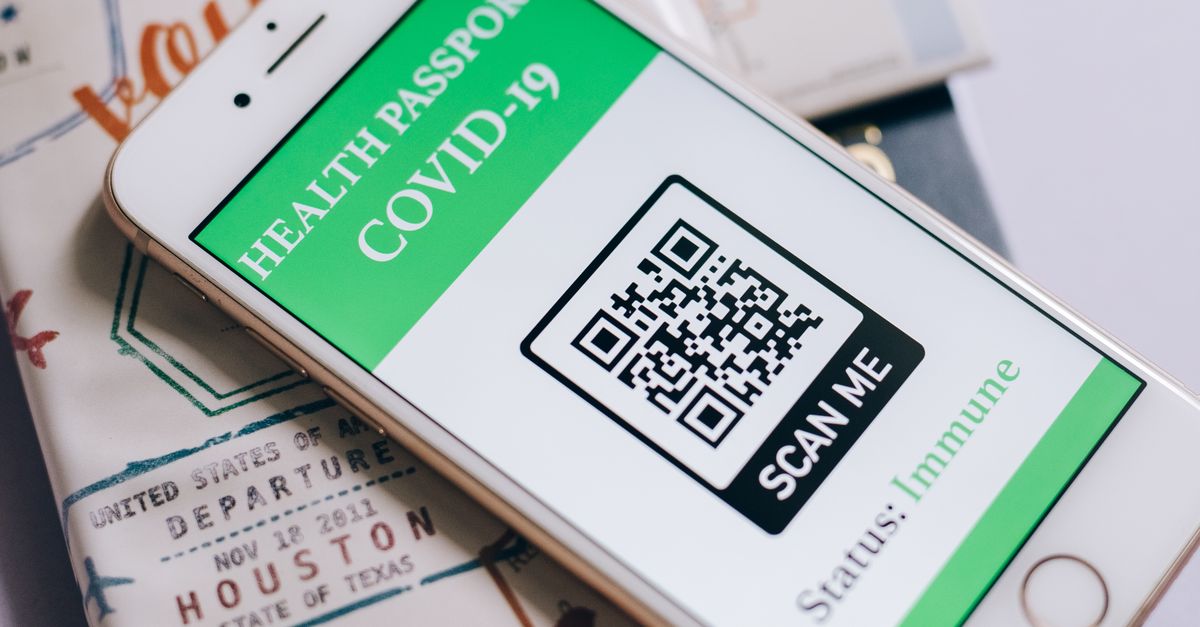
- Request an e-certificate: When you visit your doctor, ask if the clinic issues electronic sick leave certificates with a verification QR code. Modern clinics often provide this service.
- Receive the certificate: You might receive it as a PDF file via WhatsApp or email, or as a printed copy that includes the code.
- Scan the QR code: Open the camera app on your smartphone and point it at the QR code. A notification will pop up on your screen to open a link in your web browser. Tap on it.
- Check the data: A webpage will open displaying the sick leave details. Carefully compare the information on the screen with the information on your certificate. Make sure your name, the doctor's name, and the date and duration of the leave match.
- Verify the source link: Look at the website address (URL) at the top of your browser. Does it look professional and related to the clinic's name or a known medical system? Be wary of very short or unfamiliar links.
- Save a copy: Keep a digital copy (PDF or image) of the certificate on your phone or computer for future reference.
- Share it securely: Send the certificate to your company's HR department through their official approved channel, whether it's email or an internal employee portal.
How to Ensure Your Sick Leave Certificate is Official and Approved
Not every certificate with a QR code is necessarily official. Its trustworthiness comes from its source and the completeness of its data. An official certificate is one issued by a medical facility licensed by the Ministry of Health and contains clear, verifiable information. The following table helps you distinguish between a trusted certificate and warning signs to look out for.
| Element | Trusted Certificate | Warning Signs |
|---|---|---|
| Certificate Source | Issued by a licensed clinic, medical center, or hospital. | Unknown source or a generic public website. |
| Doctor's Information | Doctor's full name, specialty, and license number are clear. | Doctor's name is missing or incomplete. |
| Patient's Information | Your full name and national ID or medical file number. | Spelling mistakes in your name or missing data. |
| QR Code | Opens a secure link (https) displaying matching data. | The code doesn't work, opens a blank page, or a suspicious link. |
| Design and Stamp | Clinic's logo is clear; may contain a doctor's digital signature. | Poor design, blurry logo, or looks like a manually filled template. |
The Role of Clinics Using Tadawi in Issuing Trusted Certificates
When you visit a clinic that uses an advanced system, the experience of getting a sick leave certificate becomes easier and more reliable for you as a patient. Clinics that rely on Tadawi can issue sick-leave certificates, reports and letters from templates, with the doctor's signature and a QR code anyone can scan to verify them instantly.

For you, this means the certificate you receive is professional and designed to minimize the chance of rejection. The doctor can also share it with you directly on WhatsApp with a single tap, saving you the trouble of returning to the clinic to pick it up. Tadawi for patients provides you with a tool that ensures your medical documents are accurate, secure, and easy to share. Tadawi is a cloud clinic management system for clinics in Jordan and Iraq that brings appointments, patient records, prescriptions, billing, insurance and WhatsApp messaging into one screen.
Common Mistakes to Avoid with E-Sick Leave Certificates
To ensure your leave is accepted smoothly, it's important to avoid some common mistakes patients might make when dealing with digital certificates. These errors can cast doubt on your document's authenticity, even if it's genuine.
- Assuming every QR code is official: Remember, the code is just a link. What matters is the page it takes you to. Don't trust the code blindly.
- Editing the certificate file: Never modify the PDF or image file to change the date or any other information. Any alteration can be easily detected and will void the certificate.
- Sharing on insecure channels: Avoid sending your sick leave, which contains personal information, via public messaging apps or social media. Use official email or your employee portal.
- Ignoring your employer's policy: Before submitting, make sure you know your company's policy on electronic sick leave. Some companies may still require a stamped paper copy.
Frequently Asked Questions
How do I verify a sick leave QR code in Jordan?
Simply use your phone's camera to scan the code on the certificate. Your browser will open a link displaying the original sick leave details. Compare the information on the screen with your certificate to ensure they match and that the link belongs to a trusted medical entity.
Is the QR code on a sick leave approved by the Ministry of Health?
The credibility of a QR code comes from the licensed medical facility that issued it. While the Ministry of Health encourages the use of e-services, there is currently no single national verification portal for all QR codes. The certificate's acceptance depends on your employer's policies and their trust in the issuing clinic.
How do I send an electronic sick leave to my employer?
The best way is to save the certificate as a PDF or a clear image, then send it through the official channel specified by your employer, such as the HR department's email or by uploading it to the company's employee portal.
What should I do if the sick leave QR code doesn't work?
If the code doesn't scan or leads to an error page, contact the clinic that issued it immediately. They are responsible for fixing the issue and can provide you with a new, correct certificate. Do not try to solve the problem yourself.
Can my employer reject an electronic sick leave certificate?
Yes, an employer might reject the certificate if they cannot verify its authenticity or if their internal policies require a specific format (like a paper copy). This is why certificates issued from trusted systems that offer easy QR verification have a higher chance of being accepted.
Key Terms
- QR Code (Quick Response Code)
- A graphical square that stores information (often a web link) and can be read quickly using a smartphone camera.
- E-Certificate
- An official digital document that is created, signed, and shared electronically, serving as a trusted alternative to paper documents.
- Digital Verification
- The process of using technology to confirm the authenticity and integrity of a document or piece of information online, such as by using a QR code.
In conclusion, learning to verify a sick leave QR code in Jordan is an essential skill in the digital age. By following the steps in this guide, you can confirm your certificate's validity and submit it with confidence, taking advantage of modern technologies that make healthcare more transparent and secure. You can read more articles about clinic management and digital health on our blog.
Does your clinic use Tadawi? Ask your clinic about booking and following your file with Tadawi for patients.