
How to Get a JoFotara Invoice from a Clinic in Jordan and Use It for Insurance? Your Comprehensive Guide
Amid Jordan's digital transformation, electronic invoicing has become an integral part of financial transactions, especially in the healthcare sector. If you're wondering, How to get a JoFotara invoice from a clinic in Jordan and use it for insurance? Explaining electronic invoice issuance via Tadawi, payment by card or link, and correction with a credit note for cancellation or refund, this article provides a comprehensive and detailed guide. Obtaining an approved electronic invoice is not just a routine procedure; it is a crucial step to ensure the acceptance of health insurance claims and avoid any potential delays or rejections. By understanding this process, you will be able to manage your health expenses efficiently and confidently.
What is a JoFotara Invoice and Its Essential Components?
JoFotara is Jordan's national electronic invoicing platform, supervised by the Income and Sales Tax Department. This system allows establishments, including medical clinics, to issue documented and official invoices. An approved electronic invoice is not just a PDF file; it is a document issued from a billing system directly linked to the JoFotara platform, such as the Tadawi system, and it carries unique authentication data.
Typically, an electronic invoice for medical services includes the following components:
- Clinic Information: Official name and tax number.
- Patient Information: Name of the patient or the entity responsible for payment (such as the insurance company).
- Service Description: Clear details of the medical service provided (consultation, examination, medical procedure, etc.).
- Financial Details: The total value of the service, the applicable tax amount (if any), and the final amount.
- Authentication Information: A unique invoice number, date of issue, and an electronic reference number specific to the JoFotara system.
- Verification Code (QR Code): A quick response code that can be scanned to verify the invoice's authenticity directly through the national platform.

Steps to Request a JoFotara Invoice from the Clinic: A Practical Guide
To ensure you receive a correct invoice that can be used for an insurance claim, it is important to be clear in your request. Upon completing your clinic visit and before making the payment, clearly ask the receptionist or financial officer:
“Please issue an official electronic JoFotara invoice in the patient's name... for insurance purposes, and provide me with a copy containing the electronic number and QR code.”
After receiving the invoice, whether a printed or electronic copy, carefully check the following points:
- Source: Ensure the invoice is issued from the clinic’s system linked to the JoFotara platform, not just an internal payment receipt.
- Data Accuracy: Verify the correctness of the patient's name, ID number, or insurance number, in line with the insurance company's requirements.
- Service Clarity: The description of the medical service should be accurate and clear.
- Amount Match: Make sure the amount on the invoice perfectly matches the amount you paid.
- Authentication Elements: The invoice must contain an electronic number and a valid QR code for verification.
Electronic invoice issuance via Tadawi
Using a specialized clinic management system like Tadawi helps significantly simplify this process, as the system is designed to handle complex billing and insurance cycles.
How to Issue an Electronic Invoice via the Tadawi System to Ensure JoFotara Compliance
The Tadawi system is an integrated solution that makes it easy for medical clinics to issue invoices compliant with JoFotara requirements. Although the interfaces may vary slightly from one clinic to another, the process generally follows these steps within the system:
- Record Visit Data: The clinic staff records the patient's data and the medical services provided during the visit.
- Determine Payer: The party responsible for payment is identified, whether it's the patient directly (cash), the insurance company, or a combination (with a co-payment).
- Calculate Costs: The system automatically calculates the service value, applying any applicable discounts or taxes.
- Create Invoice: The invoice is generated within the Tadawi system, including all required details.
- Submit to JoFotara: If the clinic has enabled direct integration, the invoice is sent electronically to the JoFotara platform for authentication.
- Receive Authentication Data: After the invoice is accepted by the platform, the system receives the electronic reference number and QR code.
- Deliver Invoice to Patient: The patient is provided with a copy of the authenticated invoice, either printed or via email.
Important Note: Simply receiving a PDF from the Tadawi system does not necessarily mean the invoice has been authenticated in JoFotara. You must confirm the presence of the electronic number and QR code as proof that the submission and approval process was completed successfully.
Payment Options: Using a Card or Payment Link and Issuing the Invoice
Modern systems like Tadawi offer flexible payment options that make it easier for patients to settle their accounts. Here’s how to handle invoices in each case:
Payment by card or link
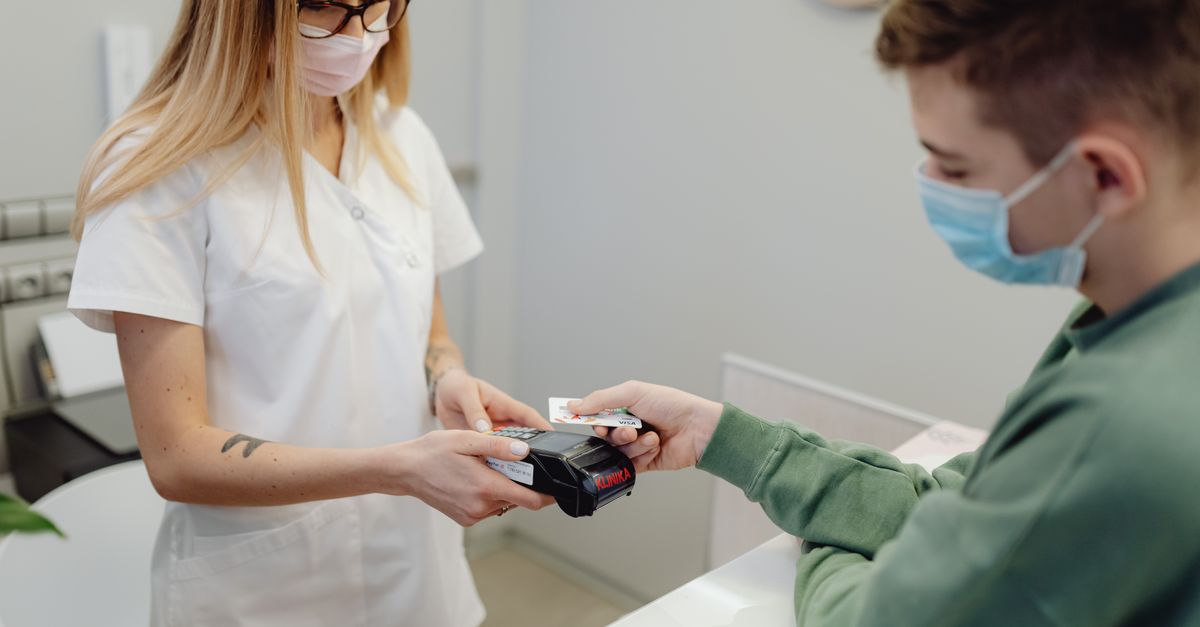
When paying by card at the clinic, you will receive a receipt from the point-of-sale terminal. It's important to know that this receipt only proves the payment transaction but does not replace the official JoFotara invoice. The insurance company may require both documents: the payment receipt to prove payment and the JoFotara invoice for service details.
When paying via a link sent by the clinic, after successfully completing the payment, keep the confirmation notification or transaction number. Then, contact the clinic to request the issuance of a JoFotara invoice associated with this payment. The amount on the invoice must match the amount paid via the link.
Using a JoFotara Invoice with Insurance Companies: Requirements and Tips
To submit a successful insurance claim, you must prepare a complete file. The required documents typically include:
- The authenticated electronic JoFotara invoice.
- A medical report or service description from the treating physician.
- Test results or prescriptions (if the claim is related to treatment).
- Proof of payment (card receipt or payment link confirmation).
- The insurance company's specific claim form, fully completed.
- A copy of the insurance card or the insured person's details.
Before leaving the clinic, ensure the invoice accurately details the payment, especially if the insurance company covers part of the cost. The invoice should show the total amount, the insurance share, the patient's share, and the actual amount paid.
Correcting Invoice Errors: Explaining the Use of a Credit Note for Cancellation or Refund
What if an error is discovered in the invoice after it has been issued? An authenticated electronic invoice cannot be deleted or directly modified. The correct way to make a correction is by issuing a reverse document called a "Credit Note" or "Return Invoice."
Correction with a credit note
A credit note is used in the following cases:
- Full Cancellation: If the service is completely canceled after the invoice has been issued.
- Partial Refund: When a portion of the paid amount is refunded.
- Value Error: If an amount higher than the correct one was recorded.
- Service Error: If a service that was not provided was included.
The credit note must be linked to the original invoice number and state the reason for the correction and the adjusted value. When submitting an insurance claim for a corrected invoice, both the original invoice and the credit note must be attached to clarify the final financial situation.
Common Mistakes to Avoid When Dealing with JoFotara Invoices
To avoid having your claims rejected, beware of these common mistakes:
- Relying on a payment receipt alone and submitting it as an invoice.
- Submitting an unauthenticated PDF file that does not have a QR code.
- Not verifying that the patient's name and data match the insurance policy.
- Requesting the deletion of an incorrect invoice instead of issuing a credit note to correct it.
- Forgetting to attach proof of payment with the JoFotara invoice.
- Submitting a claim for the full amount after receiving a partial refund without attaching the credit note.

Glossary of Key Terms
To enhance your understanding of clinic management and billing processes, here is an explanation of some important terms:
Clinic Management: The process of organizing and coordinating all activities within a clinic, including appointment scheduling, patient records management, billing, and communication, to improve efficiency and quality of care.
Revenue Cycle Management (RCM): The financial process that manages claims submitted to insurance companies and payments from patients. It starts with patient registration and ends with the collection of the full amount due, ensuring a healthy financial flow for the clinic.
Digital Transformation: The adoption of digital technologies in all aspects of a clinic's operations, such as using electronic medical records and billing systems like Tadawi, to improve operational processes and the patient experience.
Insurance Management: Refers to handling all aspects related to insurance companies, from verifying patient eligibility and obtaining pre-approvals to submitting and following up on claims to ensure payment.
Reducing Clinic Operating Costs: A strategy aimed at cutting unnecessary expenses by automating administrative tasks, optimizing resource use, and reducing human errors, which contributes to increasing the clinic's profitability.
Frequently Asked Questions (FAQ)
| Question | Answer |
|---|---|
| Can I use a photo of the paper invoice for an insurance claim? | No, insurance companies require the authenticated electronic invoice from the JoFotara system, which contains a reference number and a QR code for verification. A photo of a paper invoice or an unauthenticated PDF file is not sufficient. |
| What should I do if the clinic refuses to issue a JoFotara invoice? | Issuing an official invoice is a consumer right and a business obligation. You can explain that the invoice is necessary for your insurance claim. If the refusal persists, you can contact the Income and Sales Tax Department or the relevant regulatory authorities. |
| Does issuing the invoice from the Tadawi system guarantee its acceptance in JoFotara? | The Tadawi system is designed to be compliant with JoFotara's requirements, which facilitates correct issuance. However, final acceptance depends on the completion of the electronic submission from the clinic to the platform. Always ensure your copy has the electronic invoice number and QR code. |
If you’d like to discover more strategies for boosting sales in your clinic, you can request a free quote for the Tadawi Clinic Management System. For frequently asked questions, click here.